Monitor Construction Updates Easily on RERA Website – Step-by-Step Guide

Check Project Status Online via RERA – Easy Guide
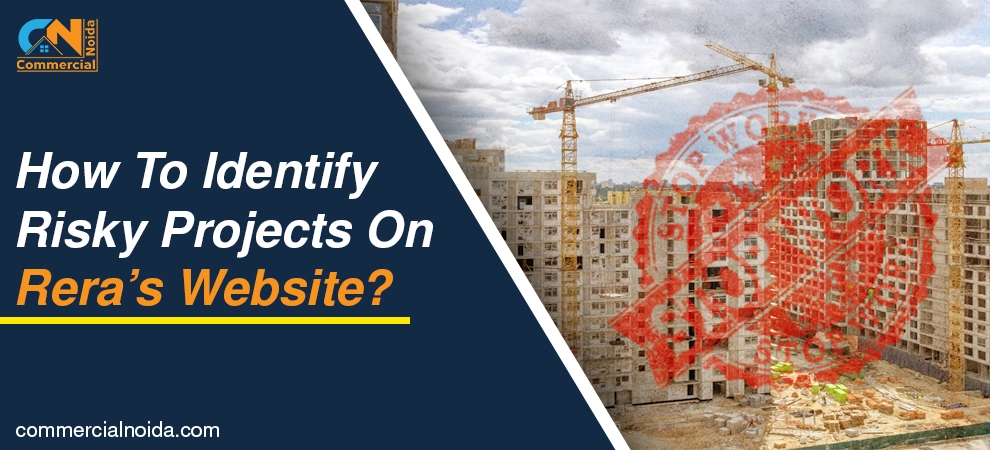
Nowadays, construction delays are one of the most feared issues in real estate. They affect buyers not only financially but also mentally.
This is why you should regularly check your project’s construction and other reports on a quarterly basis to detect any irregularities. The good news is—you can do this in just a few steps.
In today’s blog, we’ll walk you through the key steps that can help you monitor your under-construction property from anywhere in the world.
How to check Quarterly Progress Report?
To check the quarterly progress report of your real estate project, you need to visit your state’s respective RERA website. For example, if you are residing in Uttar Pradesh, you would visit the UP RERA website.
Keep in mind that the layout and options on your state’s RERA website may differ slightly. So, explore the site thoroughly if you don’t immediately see the options mentioned here.
Look for the Registered Project section, as shown in the image below.

Once you are on the Project Page, search for your project by entering the developer’s name, promoter’s name, or the project name itself.
Then, click on Show Project Details. There might be an eye icon or a button labeled "Show Project Details."

You will then be taken to another page with basic project information. Look for and click on View Project Details—this will redirect you to the main page where all comprehensive details about the project are available.
On the main page, scroll down to the bottom, as shown in the image below (note that this section could be located elsewhere depending on your state’s RERA site).
There, you will see two options:
• View Physical and Financial Report
• View Quarterly Progress Certificate
Click on the first option, View Physical and Financial Report. Here, you can access project photos, videos, and financial details by selecting the appropriate filters, as shown in the image below.

Click on Physical Target to view all physical construction updates.

You’ll now be able to see project photos and videos—all just a click away. You can also check completion details, how much work has been done, and the timelines for different phases.
In short, you get all the key details in one place.


You can also explore other details such as extension dates, the start and end dates of each construction phase, and more.
In addition, you can view the Quarterly Progress Certificates, such as:
• Chartered Accountant Certificate
• Architect Certificate
• Structural Engineer Certificate
These certificates verify that the developer is using funds appropriately and as intended. They also detail how much funding is allocated for each stage of the project. This improves transparency and reduces the risk of fund misuse.

Conclusion
Tracking your real estate project's progress has never been easier, thanks to the RERA website. With just a few clicks, you can view photos, videos, reports, and certificates to stay informed about construction status and fund usage.
This helps you make smart decisions, avoid delays, and ensure transparency throughout the process. Make it a habit to check these updates quarterly—it’s quick, simple, and essential for protecting your investment.


.webp)

































































































































.webp)





















































































.webp)






































































.webp)